
Power BI Career Accelerator™
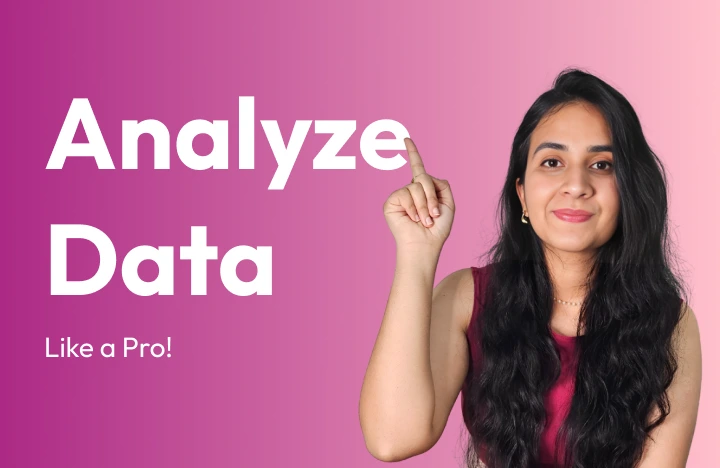



Total Value: $197.00
Your Price: $57.00
(Only 100 spots at this price)
Power BI Career Accelerator™


Everything Included In Your Enrollment
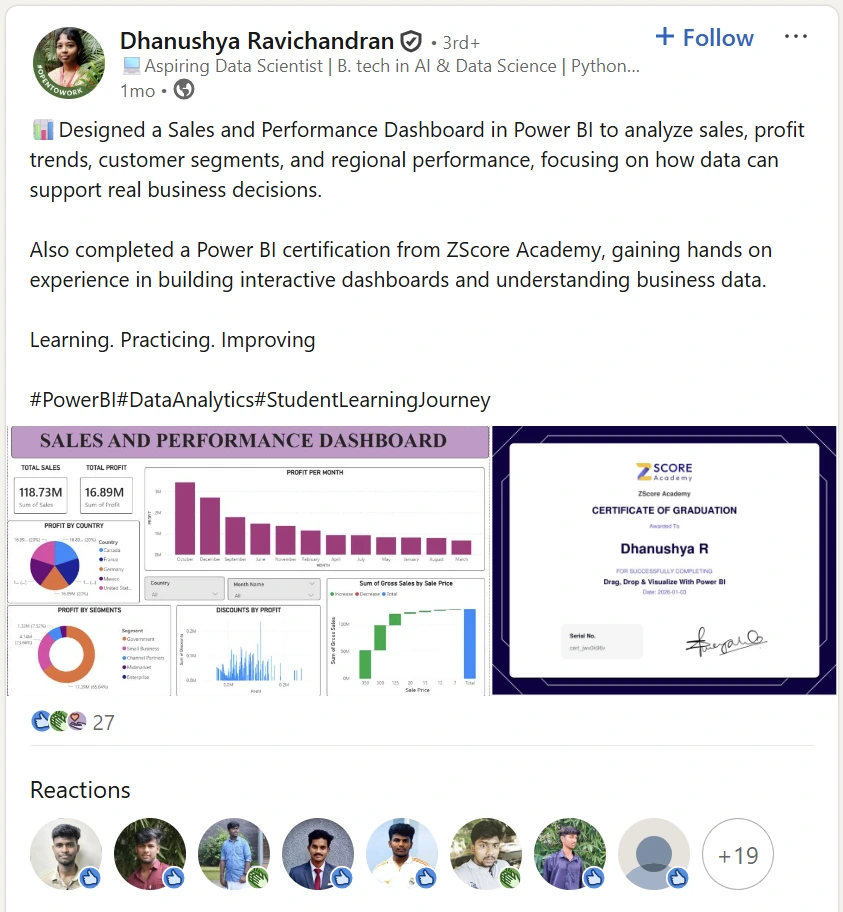
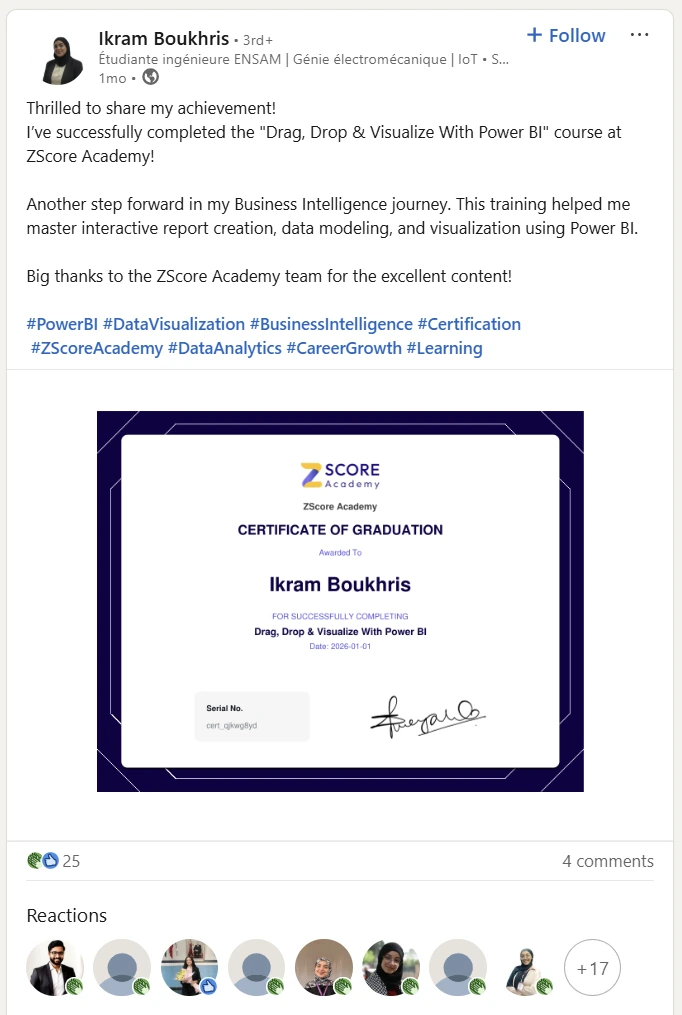
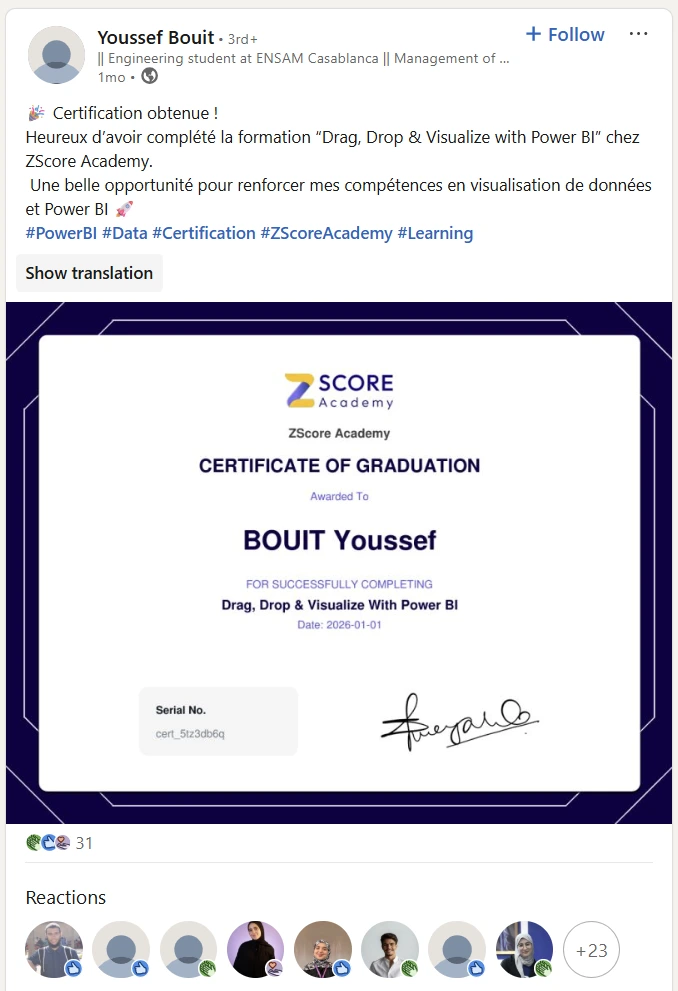
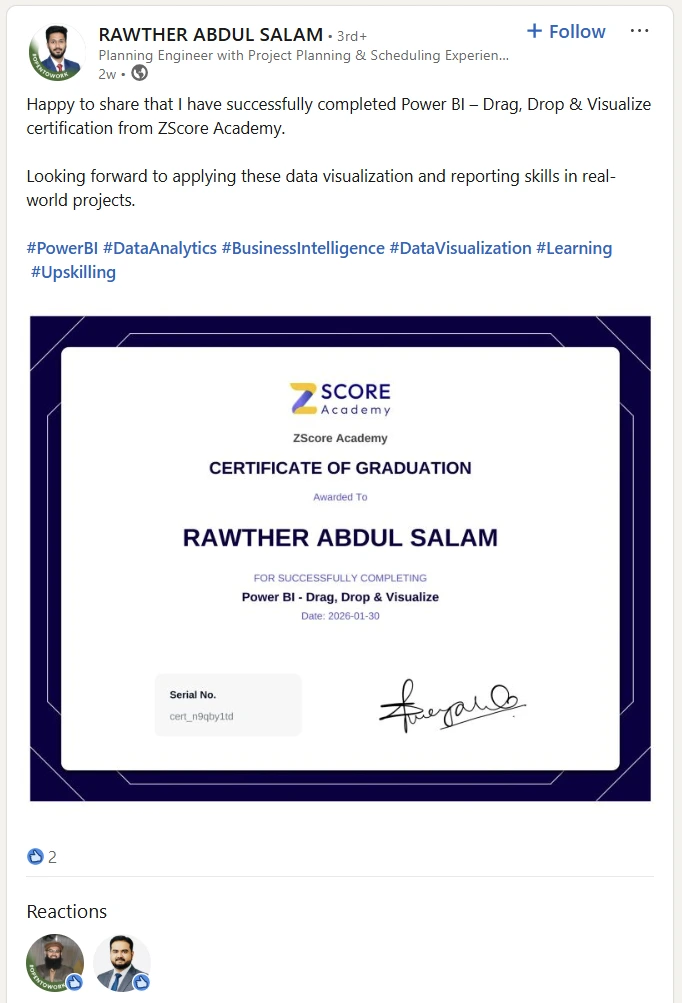
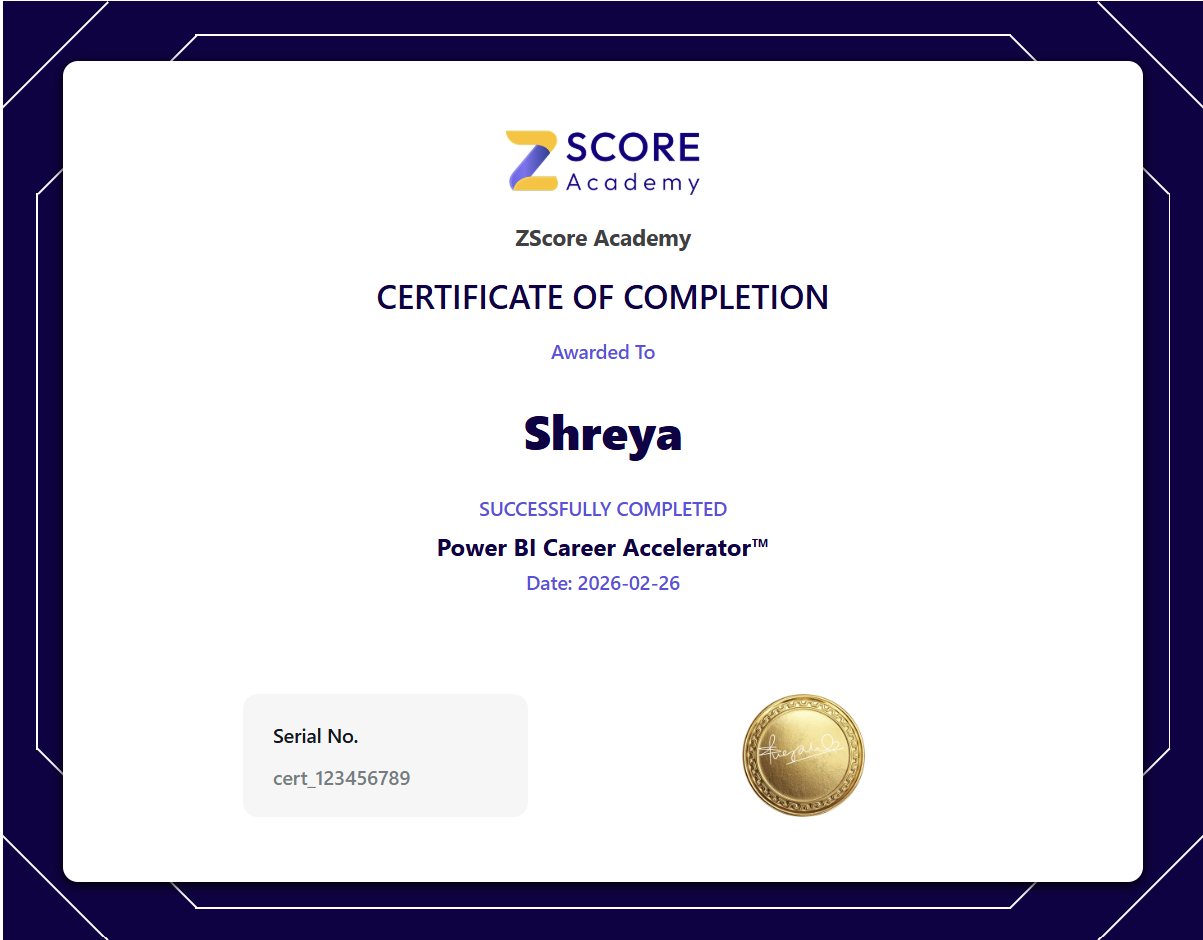
Shareable LinkedIn Certificate
Show recruiters and managers you're serious - add a verified credential to your profile the moment you finish.
Hands-on Portfolio Project
Build a professional Multinational Sales Dashboard with real data — something you can open in your next interview.
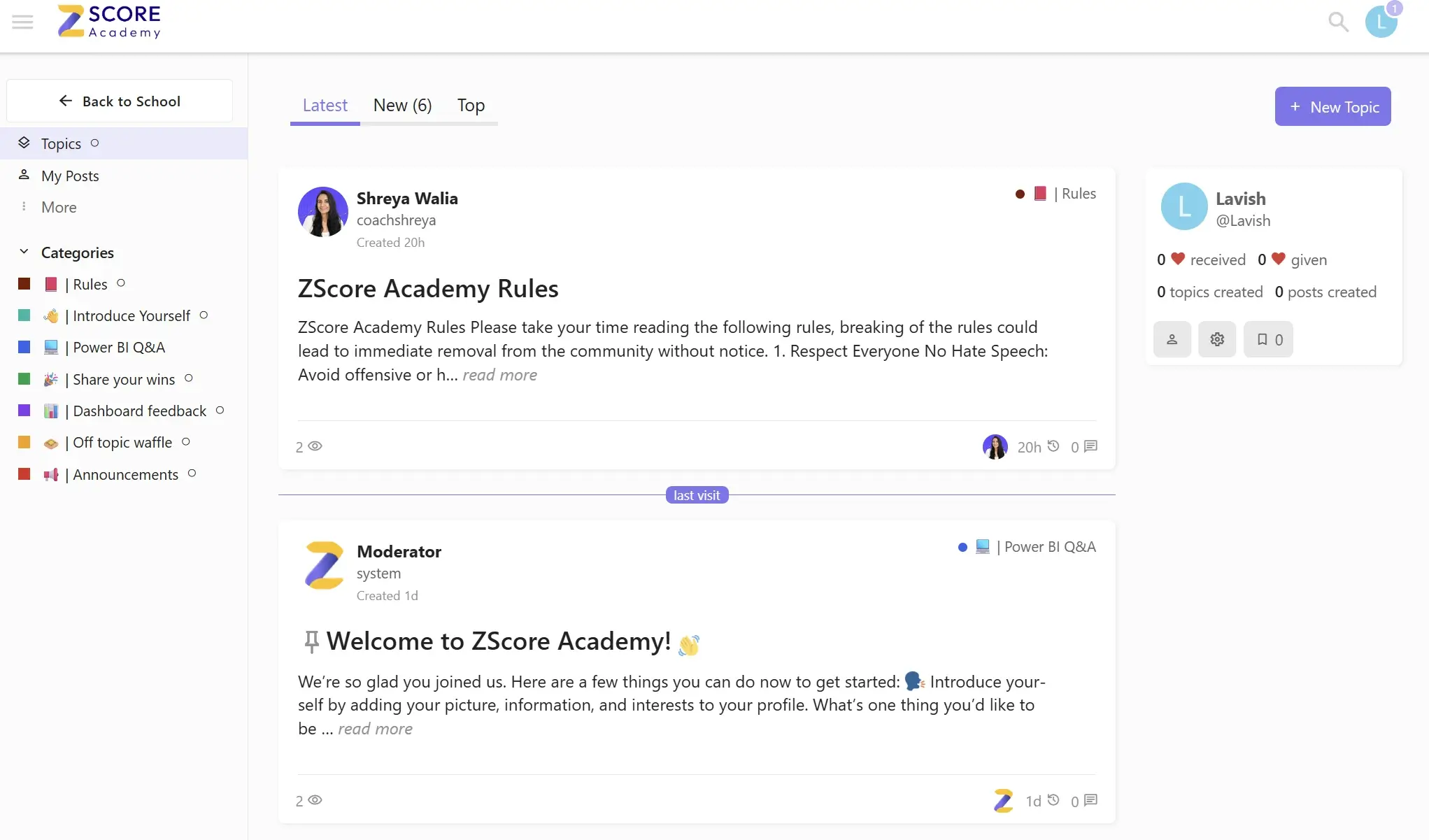
Access to private training
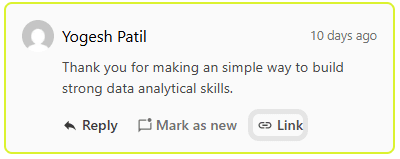
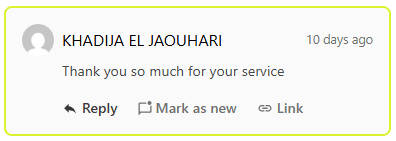
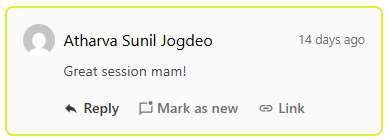
Get direct answers from Shreya inside your student dashboard - no question goes unanswered.
No coding required
Built for non-technical professionals - if you can use Excel, you can do this.
Your Professional Dashboard Project
Most Power BI learners hit a wall
The Power BI Career Accelerator fixes that
Everything in the Free Course — Plus So Much More
See exactly what you get with the Career Accelerator
Free Course
Perfect for absolute beginners-
17 Lessons
-
Introductory Power BI Skills
-
Basic Visuals, Charts & Slicers
-
Completion Certificate
-
Basic Portolio Project
-
Power Query
-
DAX Formulas
-
Table Relationships
-
Data Modeling
-
Private Community
-
7-Day Money Back Guarantee
-
Ask Shreya Anything — Private Community Access
Career Accelerator
For professionals serious about Power BI-
55 Lessons
-
Job Ready Skills
-
Advanced Visuals, Charts & Slicers
-
Career Grade Certificate
-
MNC Project
-
Power Query
-
DAX Formulas
-
Table Relationships
-
Data Modeling
-
Private Community
-
7-Day Money Back Guarantee
-
Ask Shreya Anything — Private Community Access
Is This Program For You?
This is for you if:
- Are new to Power BI and want a structured start
- Already use Power BI but feel you’re missing core fundamentals
- Work in HR, Finance, Marketing, Supply, Operations, Tech, or Business Analytics & beyond
- Come from a non-technical background but want to become data-confident
- Are in a technical role and want to sharpen your data modeling and reporting skills
By the end you will:
- Clean and connect messy real-world data with Power Query
- Build relationships between multiple tables confidently
- Write DAX formulas that actually work
- Build a dashboard you can show your manager tomorrow
- Add a verified certificate to your LinkedIn profile
Start Your Data Analysis Career Today
- Learn from someone who has built real dashboards for real companies — not just theory
- Lifetime Access: Revisit any lesson the moment your boss asks you something new
- Start immediately — all 6 modules and your portfolio project unlock the moment you enroll
Program Curriculum
- 6 Modules
- 55 Lessons
📊 Module 1: What is Power BI?
1.0: 🎯 Module Objectives
1.1: ⬇️ Downloading Power BI
1.2: 🖥️ First Look of Power BI Interface
1.3: 📄 Report View in Detail
1.4: 📥 Loading Data into Power BI
1.5: 📊 First Visual + Expand / Collapse Pane
🎛️ Module 2: Filters, Slicers & Visual Interactions
2.0: 🎯 Module Objectives
2.1: 🔄 Understanding Interactivity
2.2: ⚙️ Managing Interactivity
2.3: 🔎 Understanding Filters
2.4: 🎯 Visual – Level Filtering
2.5: 🎚️ Understanding Slicers
2.6: 🎨 Formatting Your First Visual
2.7: 🖌️ On – Visual Formatting
2.8: 🪪 Formatting Card & Slice
🧹 Module 3: Transforming Data with Power Query
3.0: 🎯 Module Objectives
3.1: 📥 Getting Data into Power Query
3.2: 🛠️ Power Query Editor Interface Overview
3.3: 🧽 Removing Duplicates
🔗 Module 4: Connecting Tables in Power BI
4.0: 🎯 Module Objectives
4.1: 🔍 Understanding Relationships
4.2: 🗂️ Model View + Semantic Model
4.3: 🌉 Bringing Bridge Table In
4.4: 🔢 Relationship Cardinality
4.5: 🧪 Testing Table Interactions
4.6: 🔁 Understanding Cross – Filtering in Relationships
4.7: 🗺️ Formatting Map & Matrix Visual
🧮 Module 5: Calculations with DAX
5.0: 🎯 Module Objectives
5.1: 🧠 What is DAX?
5.2: 🧮 First DAX Column & Measure
5.3: ⚖️ Difference Between Columns & Measures
5.4: ❌ The “X” Function
5.5: 🔎 LookupValue & Related Function
5.6: 🧩 Combining Functions (Related+X)
5.7: 📅 If & Date Functions
5.8: 🧮 The “Calculate” Function
5.9: 🌐 The “All” Function
5.10: 🎯 Calculate Filter + All
5.11: 🗃️ Organizing Measures
🎨 Module 6: Dashboard Layout & Formatting
6.0: 🎯 Module Objectives
6.1: 🧱 Organizing the Visuals
6.2: 📝 Adding Title Text Box + Slicer Upgrade
6.3: 👁️ Using Selection Pane
6.4: 🏷️ Renaming Column Headers + Realigning Visuals
6.5: 🎨 Background Colours + Spacing Tips
6.6: 🖼️ Borders & Shadows
6.7: 🏢 Inserting Logo Image
Total Value: $197.00
Your Price: $57.00
(Only 100 spots at this price)






Shreya
Hi, I'm Shreya! 👋 You'r Power BI Coach. I have spent 7+ years building dashboards that help real companies make real decisions. Every lesson in this program comes from that experience — not textbooks, not theory. If you are serious about Power BI, I am serious about getting you there.
Get Access To My Private Training Lounge

Got questions? We've Got Answers
What if I'm not happy with the program?
I’m not from a tech or data background. Is this program for me?
I already know some Power BI. Will this program still be valuable?
Definitely. This masterclass covers beginner to advanced concepts, including DAX formulas, advanced visualizations. Even experienced users can sharpen their skills and learn techniques to work faster and smarter.
Will I need a Power BI License?
Do I need to be good in Excel / Power Query or Power Pivot?
Is there a time limit to complete the program?
Can I add a program certificate to my LinkedIn or resume?
Can I use the dashboard I build for my portfolio?
Master Real Work Skills with Hands-On Power BI Projects
Learn by doing: analyze data, create dashboards used in real companies and boost your career.